logo

Inteleagent Changelog

New features and fixes will be reported here
☝️
Improvement
Fix
2 years ago
Some of the biggest updates for Inteleagent this year! 🥳
⚡️ DASHBOARD - 🥳🥳🥳 Inteleagent has added a fancy dashboard to its top features;
✨ We’ve added the ability for Owners to allow Education Advisors to assign tasks to other Education Advisors (this is only available for Professional tier subscribers);
✨ Notifications functionality received a huge improvement. Look out for the bell at the top-right of your page.
✨ New help tutorials for free subscribers to help kickstart their journey with Inteleagent;
✨ Daily Digest email. Turn it on in Settings > Notifications.
🔧 We've quashed some small bugs ✅
Legend:
⚡️ Major feature
✨ Improvements
🔧 Bugfix

☝️
Improvement
Fix
3 years ago
Exciting updates keep on coming for Inteleagent this year! 🥳
✨ Hyperlinks allowed in Notes;
✨ We’ve made intake dates much simpler to work with;
✨ We’ve added the ability to update Providers in bulk;
🔧 We've quashed some small bugs ✅
Legend:
⚡️ Major feature
✨ Improvements
🔧 Bugfix

☝️
NEW
Improvement
Fix
3 years ago
Fantastic end of 2022 for Inteleagent! Exciting updates keep on coming with Inteleagent 🥳
✨ We’ve added a new section in Provider profile, called TERRITORIES; this will display the territories the institutions want you to recruit students from;
✨ We’ve added What’s New, Roadmap, and Docs on your screen’s right hand side, so you can always check what we’ve been up to and where we’re going;
✨ We’ve updated the way you care reach ut to us via the Messenger widget on the bottom right hand side of your screen;
✨ We’ve added a return button for student profile so you can easily return to your previous screen;
✨ When an application is added to a lead, a Student tag is automatically added to that lead;
🔧 We've quashed some small bugs ✅
Legend:
⚡️ Major feature
✨ Improvements
🔧 Bugfix

☝️
NEW
Improvement
Fix
3 years ago
Fantastic week for our Inteleagent users! Exciting updates keep on coming with Inteleagent 🥳
✨ We rearranged the column titles in the Finance module, so it’s easier for the eye;
✨ We’ve added the ability for users to update the commission of courses, or delete the courses in bulk, and filter by course type.;
✨ When students are assigned to team members, the team members will receive email and system notifications;
✨ Managers can now upload student records in bulk.
✨ When you click the Login Now link in your email notification for a task assigned to you, you will be taken straight to that particular task in your account.
✨ Assigning Franchisees to an Office, would give that office access to all applications from Franchisee.
✨ When a task is assigned to a team member, the team member will be notified in the system notification tray as well.
🔧 We've fixed a bug where you were not able to download PDF documents to your local storage on the computer ✅
🔧 Moving an application from one pipeline to another went wrong so we’ve fixed this bug. ✅
🔧 The search-as-you-type functionality doesn’t work for Quotations. ✅
Legend:
⚡️ Major feature
✨ Improvements
🔧 Bugfix

☝️
NEW
Improvement
Fix
3 years ago
Fantastic week for our Inteleagent users! Exciting updates keep on coming with Inteleagent 🥳
✨ We added a duplicate lead warning, so team members are informed if there’s a duplicate lead in the system;
✨ Moving leads from one lead stage to another will auto-create a lead tag with the exact name of the stage. This will help you build email sequences through our integrations: Encharge, Pabbly, Zapier, etc… Let us know if you’d like to automate your lead management and engagement and we’re happy to help;
✨ Team members can create leads and assign them to franchisees;
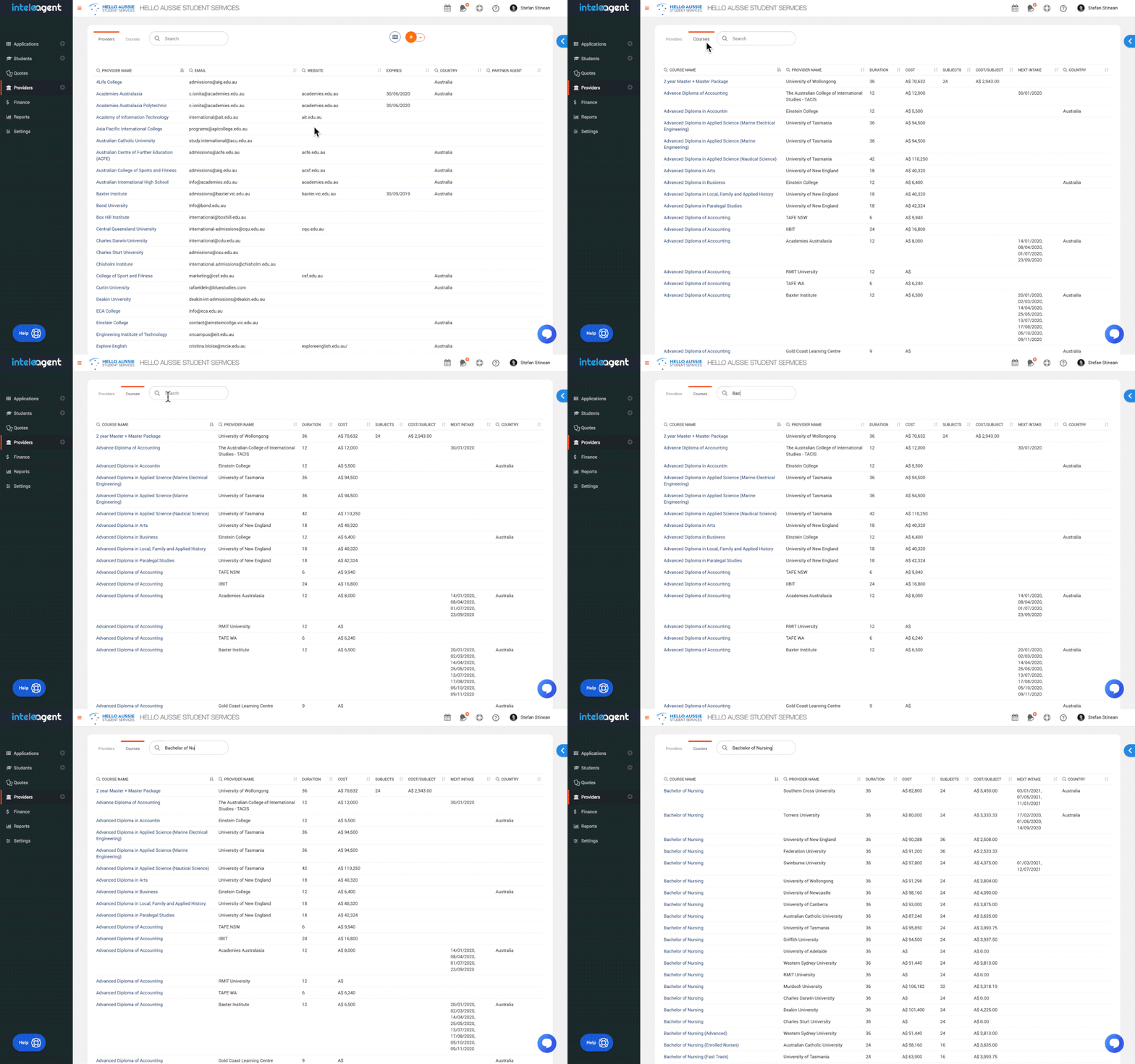
✨ Providers and Courses database received a huge upgrade. All CRICOS registered providers and their courses are now in the database ready for you to add them to your account.
🔧 We've fixed a bug where the PDF invoice was not generating in the Finance module ✅
🔧 We’ve fixed some issues with importing leads into Inteleagent via APIs or csv files. ✅
🔧 New leads are automatically placed under the first stage of the lead pipeline. ✅
🔧 Leads imported via API were missing student portal invite button, so we fixed that. ✅
🔧 Team member search function in the Student module wasn’t working, so we’ve fixed it. ✅
🔧 We’ve fixed some of the API end points that did not work. ✅
🔧 Some Leads ID sequences were not being displayed correctly, so we fixed them. ✅
Legend:
⚡️ Major feature
✨ Improvements
🔧 Bugfix

☝️
NEW
Improvement
Fix
3 years ago
Exciting updates keep on coming with Inteleagent 🥳
⚡️ MAJOR IMPROVEMENTS
  • You can change the email address you use to login to your Inteleagent account.
⚡️ MAJOR IMPROVEMENTS
  1. STUDENT VISIBILITY for the user roles permissions:
      • Owner - can see all students
      • Manager - Can see only students
        • added by himself or someone in his office, or
        • assigned to him or his office by the Owner
      • Education Advisor - Can only see the students:
        • added by himself, or
        • assigned to him by Owner or Manager, or
        • assigned to his office by Owner.
  1. Added the ability to assign multiple team members to a student profile:
      • Owner - can create and assign students to any office or team member
      • Manager - can create students and assign them to anyone in his office only.
      • Education Advisor - can create students, but wont be able to assign students to anyone. The students will not be visible to any other Education Advisors from his office or any other offices. The student will be visible to his office Manager only. The students will be visible to the Owners.
Students created by a user, will be visible to that user by default.
The assigning event will be recorded in the student activity timeline: " {team member name} was assigned by {user name} on {date}{time}"
⚡️ MAJOR IMPROVEMENTS
  • White label URL customisation: you can change your Inteleagent account URL to match your company's URL.
✨ We added the ability for users to edit the instalment number;
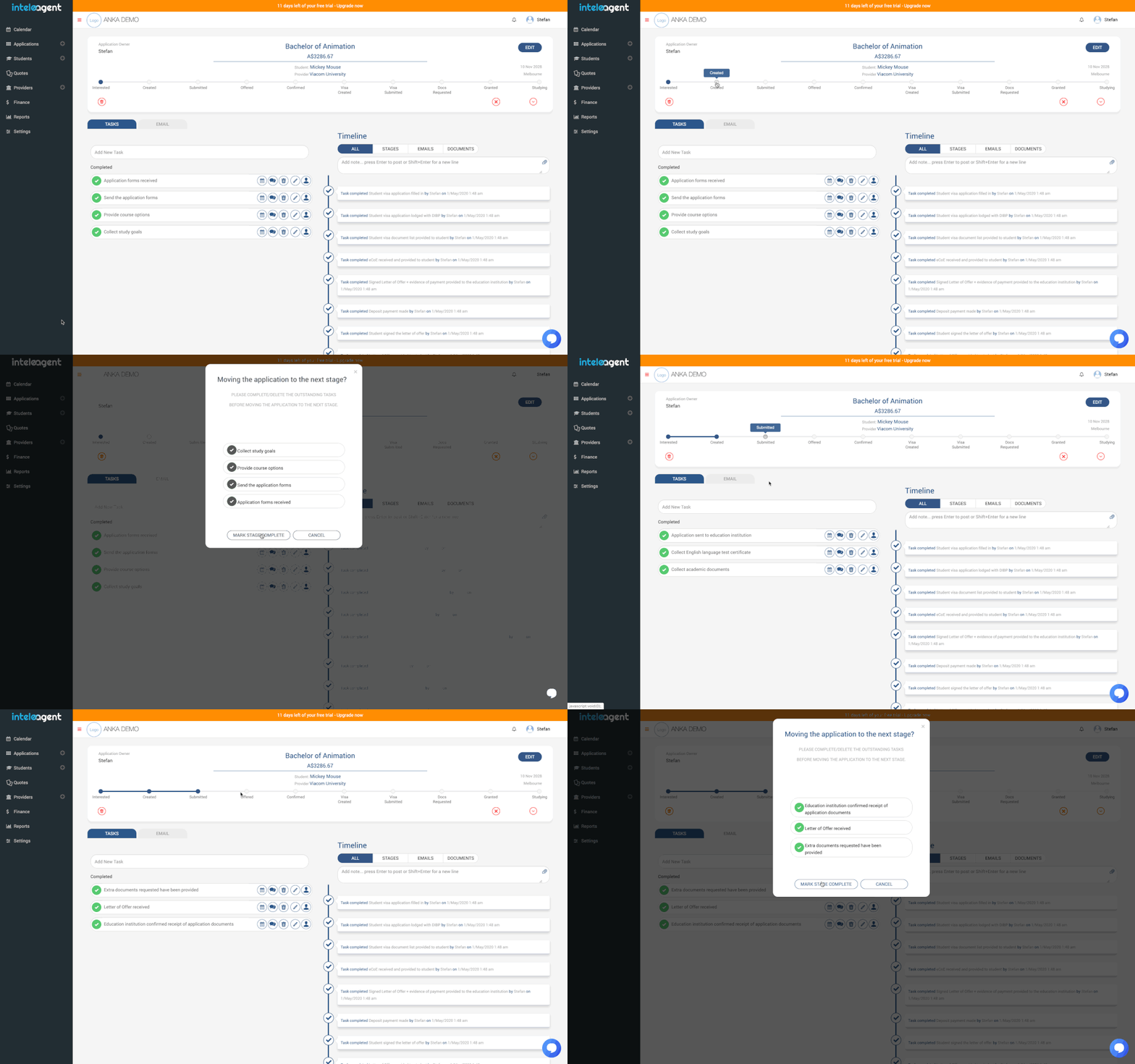
✨ You can now move application tasks from one stage to the next through a simple click of a button;
✨ We have removed the agent name displayed in brackets for each provider in the process of creating an application;
✨ We have added date filters for Applications and Students databases;
✨ We have added a unique reference number record for every student;
✨ We've added student counsellor information to student portal, so the student knows exactly what counsellor is taking care of the application;
✨ Providers and Courses database recieved a huge upgrade. All CRICOS registered providers and their courses are now in the database ready for you to add them to your account.
🔧 We've fixed a bug where a Manager could not see the students of an Education Advisor from his own office. ✅
🔧 Pushing contacts from Encharge to Inteleagent was not working, so we fixed it. ✅
Legend:
⚡️ Major feature
✨ Improvements
🔧 Bugfix

☝️
Improvement
4 years ago
Here's to another week full of improvements and new features 🥂
✨ IMPORTING students, providers and their courses got much, much easier to import; You are now able to map each field in your csv or Excel spreadsheet with a field in Inteleagent.
✨ We've restricted a bit more the Education Advisor access to Inteleagent. Education Advisor role is not able to delete courses, students, providers or access any details regarding provider agreement.
✨ You can specify email addresses where you want to receive notifications regarding applications created by your subagents. Go to Settings → Notifications
✨ Moving applications from one pipeline to another gives you the option to specify the stage where you want to place your application in the second pipeline.
✨ We've added a copy function to the Student profile fields. If you'd like to copy the information in a particular field from the student profile, you can easily do it by simply using the copy icon.
✨ A huge automation improvement. When you create/change/delete tags for students in Inteleagent, the tags are created/changed/deleted in Encharge. This will help you control email sequences in Encharge by simply adding/changing/deleting tags for students in Inteleagent.
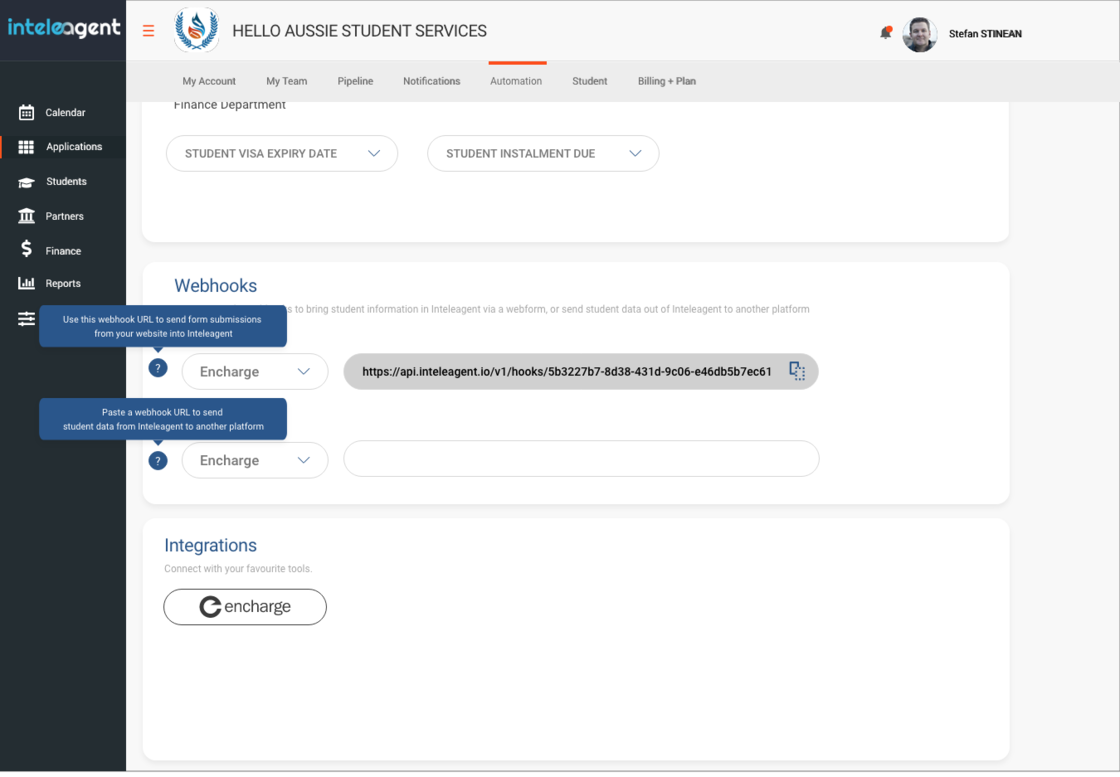
✨ You can add more than one webhook records in Inteleagent, in case you want to create automations in Encharge, Zapier, or Pabbly.
✨ We've added the ability for Managers and Education Counsellors to use email signatures.
✨ When ever a student logs in to his student portal, you will see it recorded in the student's activity timeline.
🔧 We fixed a bug related to instalment activity. Fixed ✅
Legend:
⚡️ Major feature
✨ Improvements
🔧 Bugfix

☝️
Improvement
Fix
4 years ago
Here's another week full of improvements and bug fixes:
✨ CENSUS DATE field added to Provider profile in the Finance section. You are able to choose the census date from 1 week to 10 weeks after instalment due date. This information will be used when calculating RAISE COMMISSION INVOICE BY DATE (see below 👇🏼)
✨ More columns added to your Finance screen. Now you have more information at your fingertips to help you make better business decisions;
INSTALMENT # - This represents the instalment number for a particular application.
FOR STUDENT - This is the name of the student the instalment is related to.
RAISE COMMISSION INVOICE BY DATE - This field is calculated as CENSUS DATE from the INSTALMENT PAYMENT DUE DATE. For example, if the CENSUS DATE for a provider is set at 4 weeks from instalment payment due date, then the RAISE COMMISSION INVOICE BY DATE would be 28 days from the instalment due date.
COMMISSION RATE - this is the commission rate for this instalment.
✨ Total commission amount for selected instalments. When you select multiple instalments, you will now be able to see the total commission amount for those instalments.
✨ CENSUS DATE field in the Provider profile. This information represents the census date for tuition fees and it's useful when
✨ Improvements on how we treat instalments/commission invoices. We make a distinction on screen when editing instalments vs editing commission invoices.
✨ Extra step added when creating Group Invoices that allows the user to edit the invoice due date.
✨ We improved the commission invoice automation. When the commission invoice is in APPROVED status, if the Email to Client toggle is turned on in Settings > Automation, the commission invoice will be automatically generated and sent in an email to the Provider finance email address.
✨ We've added the ability to create more than one passport record for a student. This enhancement will benefit those students with more than one citizenship.
🔧 We fixed a bug where the unclaimed instalment kept being displayed even after the Application was deleted. Fixed ✅
🔧 Bug fixed when generating a grouped commission invoice. When you select multiple instalments with different students, and you generate the pdf invoice, the pdf invoice displays only one student. Fixed ✅
🔧 When selecting an instalment with the purpose of creating a group invoice for a provider, invoices (SENT, PAID, OVERDUE) are displayed as well, when only instalments (DRAFT, APPROVED) should be displayed. We fixed this so only the instalments are displayed. Fixed ✅
🔧 We fixed a bug where Due Date columns in Finance does not sort the instalments/invoices properly. Fixed ✅
🔧 When exporting a filtered list of instalments/invoices that is more than one page, only the first page gets exported. We fixed it so now, you will be able to export all pages for the filter. Fixed ✅

Legend:
⚡️ Major feature
✨ Improvements
🔧 Bugfix

☝️
Fix
Improvement
4 years ago
Here's another week full of improvements and bug fixes:
✨UI improvements
✨ Passport expiry automation email notification
✨ Product Updates widget
Legend:
⚡️ Major feature
✨ Improvements
🔧 Bugfix

☝️
Fix
Improvement
NEW
4 years ago
A major update has been rolled out to our Finance module. Here are the major improvements:
⚡️ General Invoicing - You will now be able to create general invoices for students. You can charge students service fees, tuition fees instalments, etc...
⚡️ Group Invoicing - You will be able to create group invoices that will help you combine 2 or more instalments for a Provider, into one commission invoice
⚡️ Sales Tax - You are able to control if you charge or do not charge sales tax and the percentage of sales tax you charge (e.g. GST, VAT, etc...)
⚡️ Export filtered data to csv - We've added the ability to export the filtered data in the Finance module, to csv format. We've also added the ability to filter data based on From: / To: date
✨ Add Part Payments to invoices - You will be able to add a part payment to any of your invoices
✨ Convert instalments to invoices - An improved workflow to allow you to convert instalments to invoices
✨ Edit invoices - process improvements
✨ Void invoices - We've replaced Delete invoices with VOID invoices. This will still keep a record of your voided invoice as opposed to deleting the invoice and not having a record of it in the system
Legend:
⚡️ Major feature
✨ Improvements

☝️
Fix
Improvement
4 years ago
Here's another week full of improvements and bug fixes:
✨ Students are not automatically invited to access their student portal anymore. You will need to manually invite students to access their student portal. See here for more info on how it all works
✨ Your default landing on your Student screen will display the leads / contacts / students in the order they've been created, with the last student created being displayed first.
✨ We've added two more columns to the csv file you export your applications with: Student Email and Student Phone Number.
🔧 A grammatical error in the popup advice for not being able to delete a student.
🔧 A fix for Applications tab in the student profile and provider profile that did not display applications from all pipelines.
🔧 Cookies data was not displaying in the SSO team screens
Legend:
⚡️ Major feature
✨ Improvements
🔧 Bugfix

☝️
Fix
Improvement
4 years ago
In Inteleagent you can generate a report and export it in csv format.

☝️
Improvement
4 years ago
Inteleagent allows you to export a variety of data to your local disk. Filter the data you want to see, and export it in csv format when ever you want. You can manipulate and export application data and student data. Here's how to do it:

☝️
Improvement
NEW
Fix
4 years ago
Hi friends,
We are here with another weekly product update. This is what our engineering team has been working on in the last week:
Major new features
⚡️ Download reports in csv format – In Inteleagent you can generate a report and export it in csv format.
⚡️ Download filtered data (e.g. applications, students) in csv format – You can now filter data such as applications, or students and export the result in csv format.
Image without caption
Improvements
✨ The "INSTALMENTS" tab will now be displayed in all sections of the pipeline
Bug Fixes
🔧 When a lead is created, it is not automatically added to the first stage of the lead pipeline - fixed
🔧 System would slow down when a lot of emails would be logged – fixed.
Legend:
⚡️ Major feature
✨ Improvements
🔧 Bugfix

☝️
Improvement
NEW
Fix
4 years ago
With Inteleagent you can now manage your leads from acquiring to conversion in a visual way. We've added a lead management pipeline you can use to create stages for your leads so you can follow their journey from contact to conversion. Check out this product update article and the documentation here.
See below how it's done:

☝️
NEW
5 years ago
You are able to control the due dates of your commission invoices.
For example, if your education institution agreement states that your commission invoice will be paid in 15 days, you are able to set the 15 days due date for your commission invoice for that particular provider in the provider's profile.
Image without caption

☝️
Improvement
5 years ago
We have added the ability for users to preview the documents attached to applications. Here's how it works:
Image without caption

☝️
Improvement
5 years ago
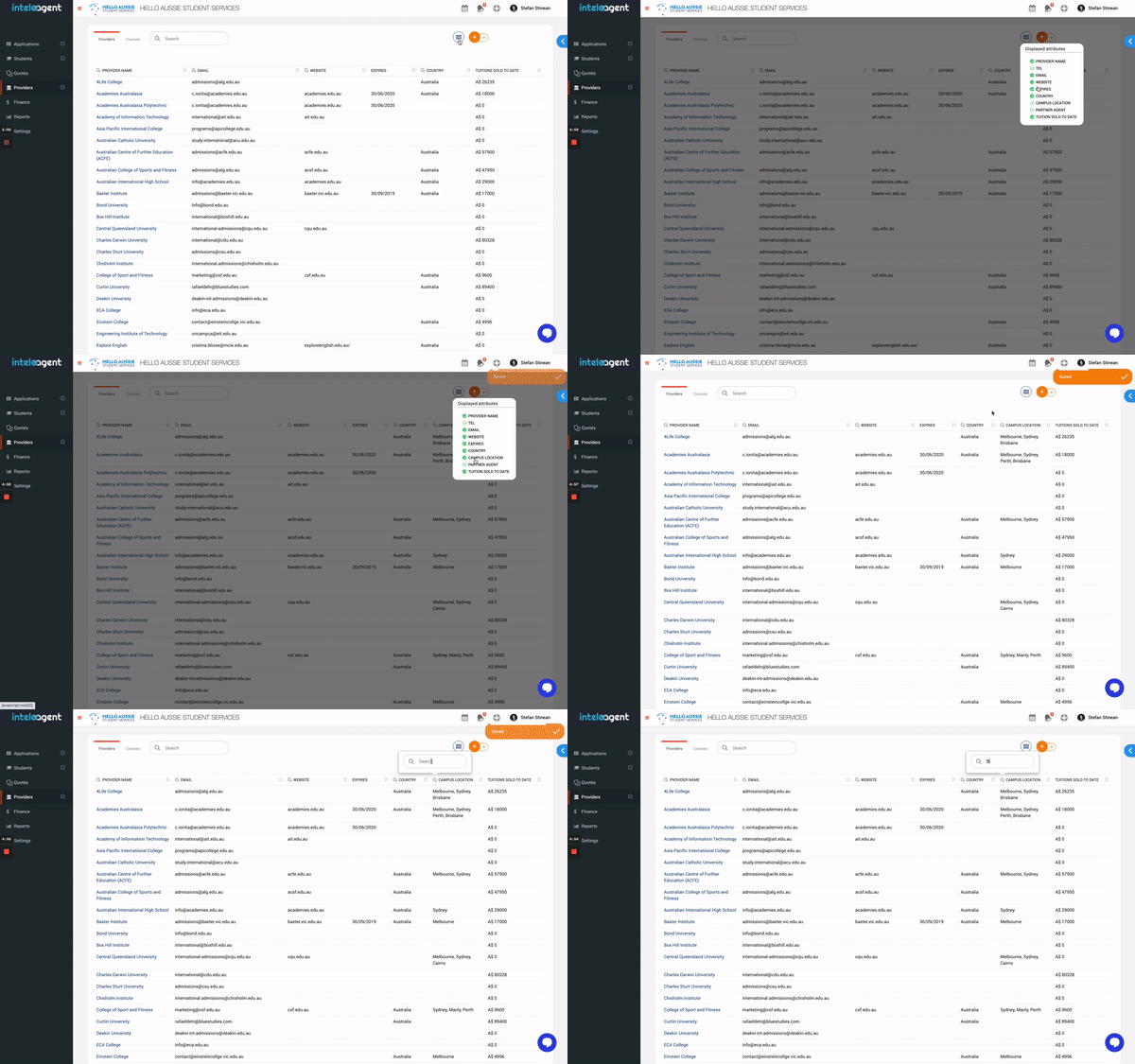
Providers have a new attribute: CAMPUS LOCATION
You can filter Providers by the city where they have their campus to get a better understanding of who offers what and where. Here's how you can do it:
Image without caption

☝️
NEW
5 years ago
Are you looking to identify through the browser if the student is logged in their student portal so you can show various information on your website based on it? Now you can with Inteleagent. Here's the documentation:
Student Login Status API
The agency through their website can call an API which will give the information of student login status. Here is the link → http://app.inteleagent.io/api/studentprofile/verify
By hitting on the above URL, you will get a response as
{"inteleagent_student":false} or {"inteleagent_student":true}
If the value is set as false, it means student is logged out. If the value is set as true, it means student is logged in.

☝️
Improvement
5 years ago
We have improved the student profile detail information so you have a better view.
Image without caption

☝️
NEW
5 years ago
In Inteleagent, you can streamline your education agency's operations with your very own Student Portal.
Giving a student access to his student portal
You can invite the student to access his student portal and the student will receive an automatic email inviting him to access his student portal.
When the student clicks the Access Portal button, the system will ask him for his country of passport, and will be asked to create a password.
Revoking access to a student portal
As an education agent, you have full control over the student access to his portal. You can always revoke access to the portal with ease.
Student portal tabs
In his portal, the student will have access to the following tabs:
  • Details
  • Quotations
  • Applications
  • Activity
  • To Do
  • Instalments
Email Notifications
There are a lot of notifications for both yourself as an agent, and the student, already embedded in the system such as:
  • when a document is uploaded by the student
  • when the student marks an instalment as paid
  • when the student accepts a quotation
  • when the student ads a message to a task
  • when the student completes a task
The student will also be notified:
  • when an application changes its stage
  • when a task is assigned to the student
  • when an application is created for the student
  • when you message the student
  • when a task is due
Student SIGNUP link
You can find the student signup link in your Settings > Student tab. You can copy and place the link in a button on your website to allow the student to signup and create his very own profile.
Student LOGIN link
The student login link can be found in your account's Settings > Student tab. You can copy the link and place it on your website so your students can login to their portal from your website.
Self-service applications
If you'd like to keep a database with all your courses on your website, and add the ability for the student to go through the application process himself, you can do that with Inteleagent.
Here's how you can do it:
Each course you have in your Inteleagent CRM database has a unique link associated with it. Copy that link, and paste it in the APPLY NOW button for each course you list on your website. When the student clicks on the APPLY NOW button, the application flow will be triggered. The student will be asked the campus location where he would like to study the course at, and the preferred intake date. Make sure you have all this information in your education institution provider profile so the student is offered with the correct information. An application will automatically be created in your Inteleagent CRM account and you will be notified by the system via email.

☝️
Improvement
5 years ago
Several improvements have been added to our email UX:
  1. Email attachments are not re-attached to a reply;
  1. A Send Email icon has been added to student profile for ease of use;
  1. Improvements added to the email popup design.

☝️
NEW
5 years ago
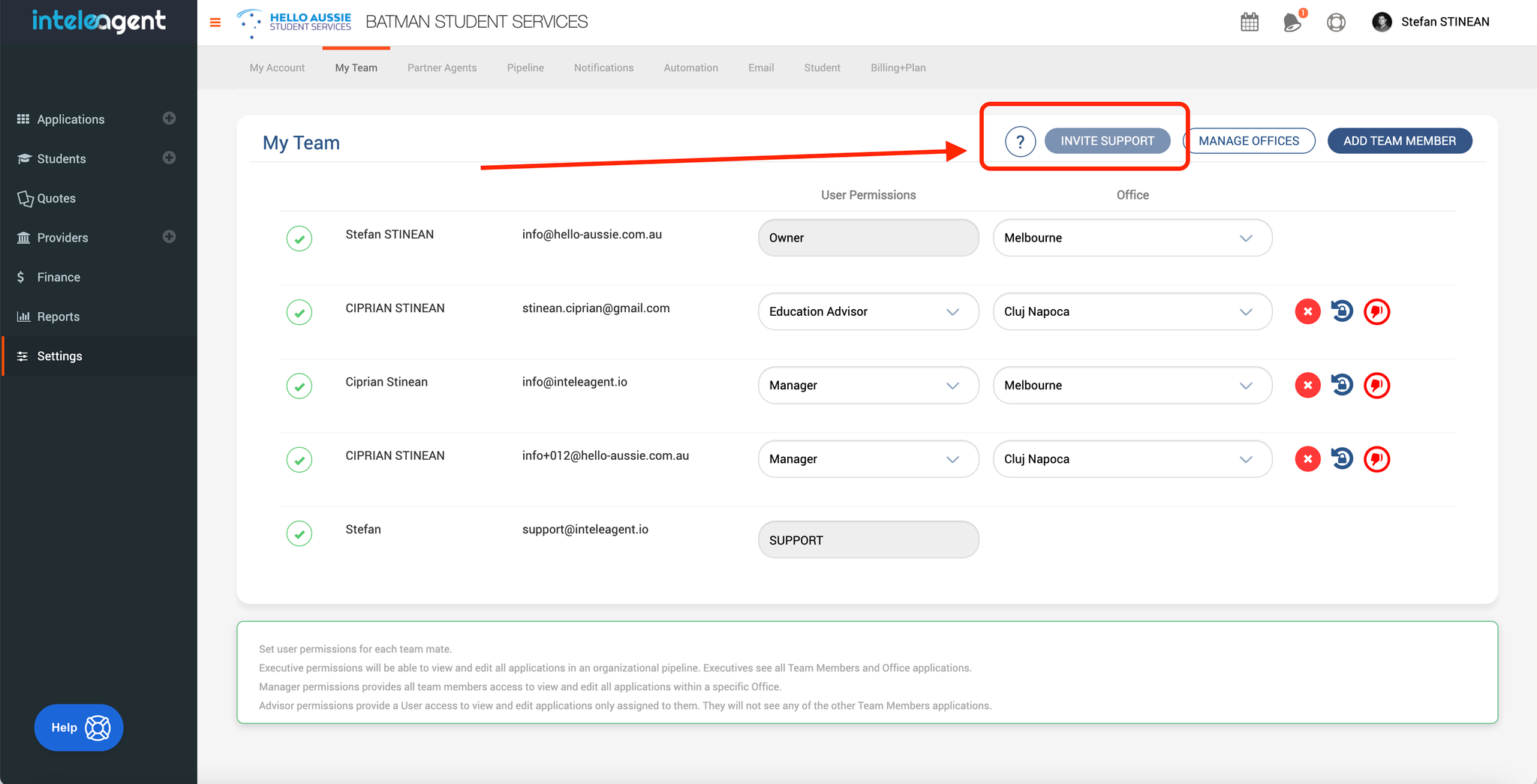
Many of our users requested assistance with populating their students database, education institutions database, etc... Our users can now request our support department assistance by inviting our department to their account to help them get up to speed in setting up their Inteleagent account. Our account access will be lost 48 hours after users invite our support department. If more support is needed, the users will need to reinvite support dep.
Image without caption

☝️
Improvement
5 years ago
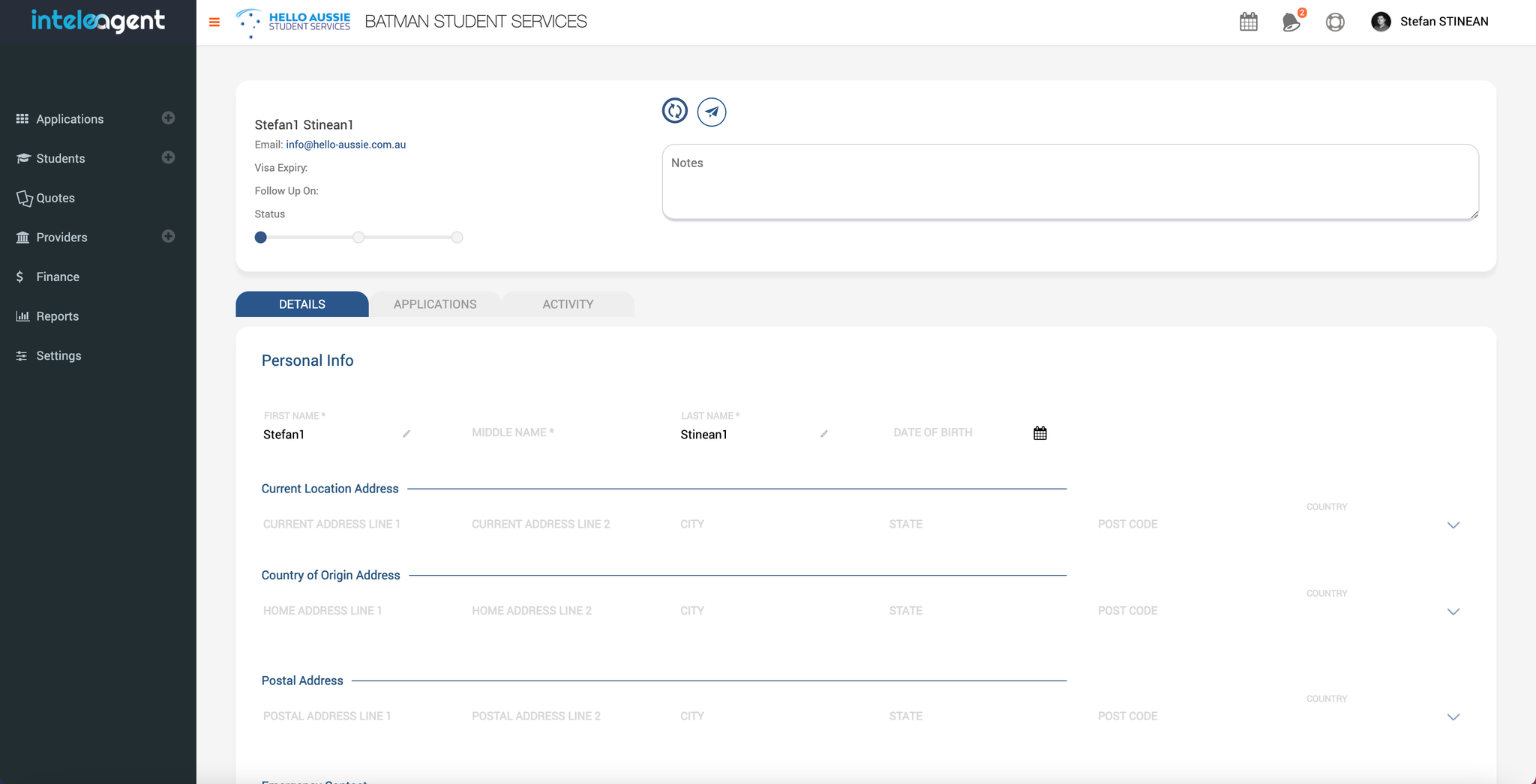
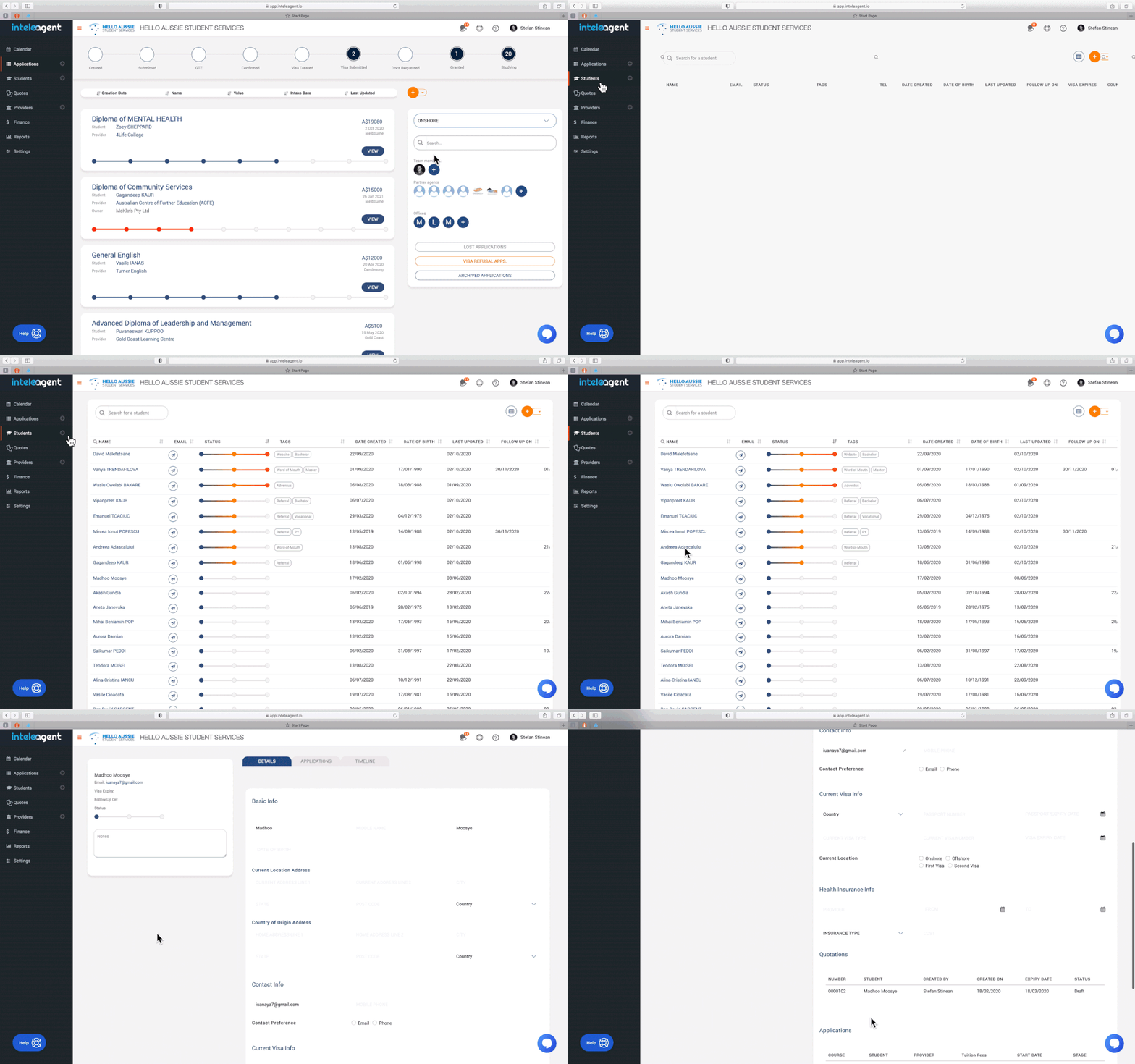
Many of our users requested an improvement to the student profile in Inteleagent and we have done just that. We have added more default fields where you can record information such as Education History, Work Experience, Emergency Contact, etc... . You can also create your own fields in Settings > Students. Enjoy! 😊
Image without caption

☝️
NEW
5 years ago
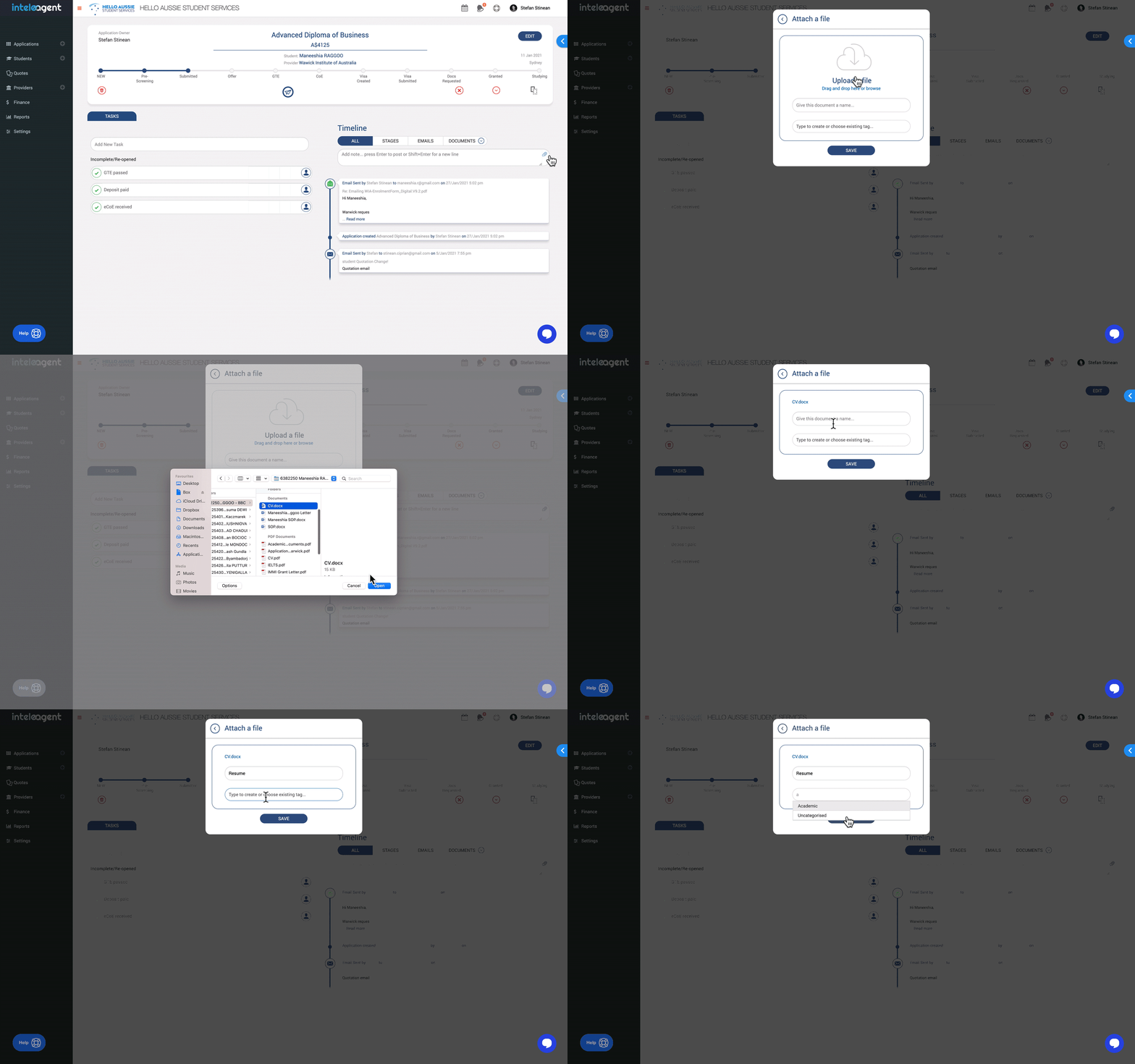
We've released a fantastic new way to organise documents for your applications, via tags. You can now rename documents, and add tags to them, to better organise them and find them much easier.
We've added a few permanent tags as well as the ability to add and delete tags.
Image without caption

☝️
Improvement
5 years ago
We have replaced the old WYSIWYG email editor with a new email editor that is much faster. This change improves performance.
Image without caption

☝️
NEW
5 years ago
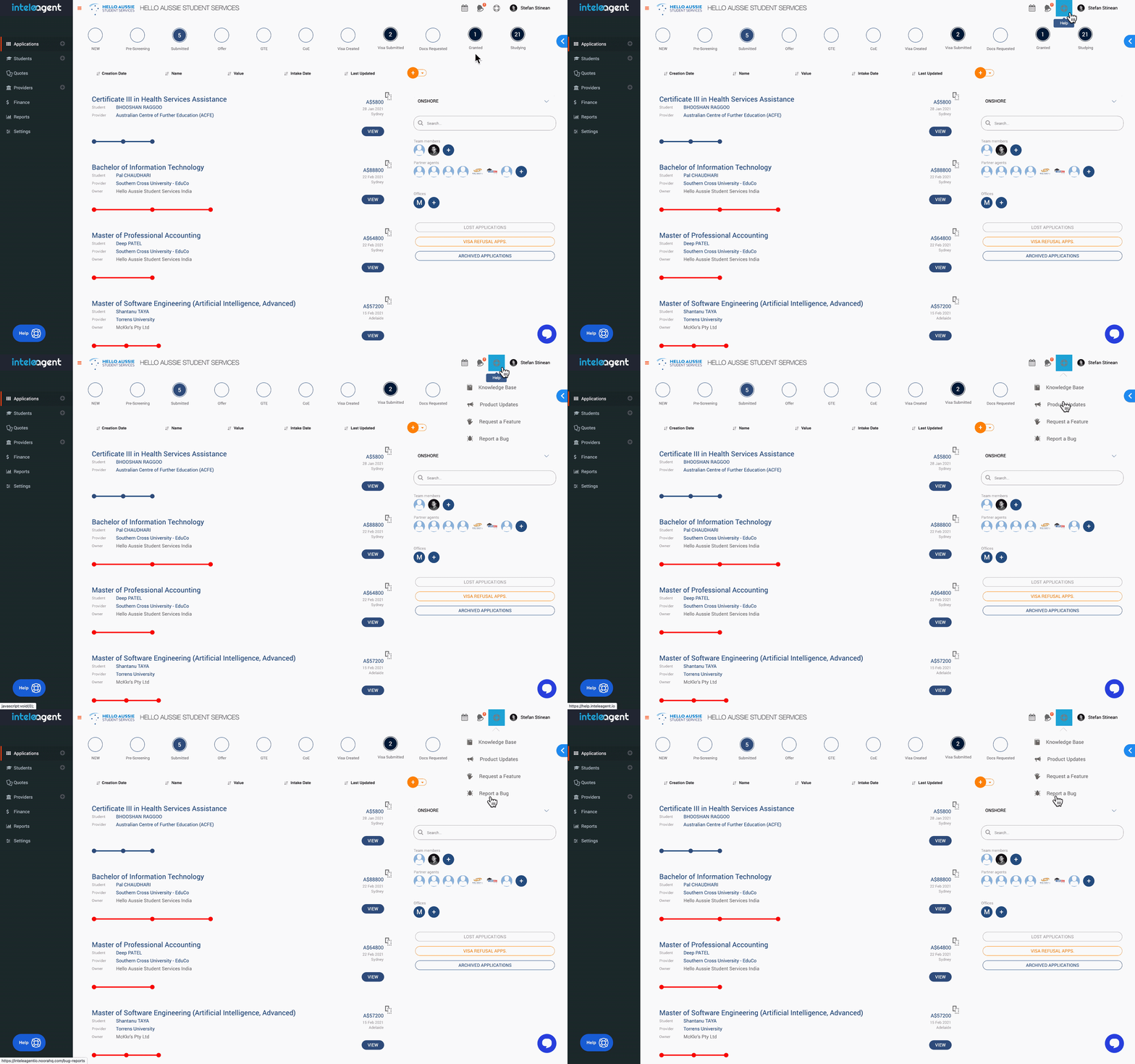
We've updated the way you access product updates, the knowledge base, how you report a bug, or the way you request a new feature. Check this out:
Image without caption

☝️
Improvement
5 years ago
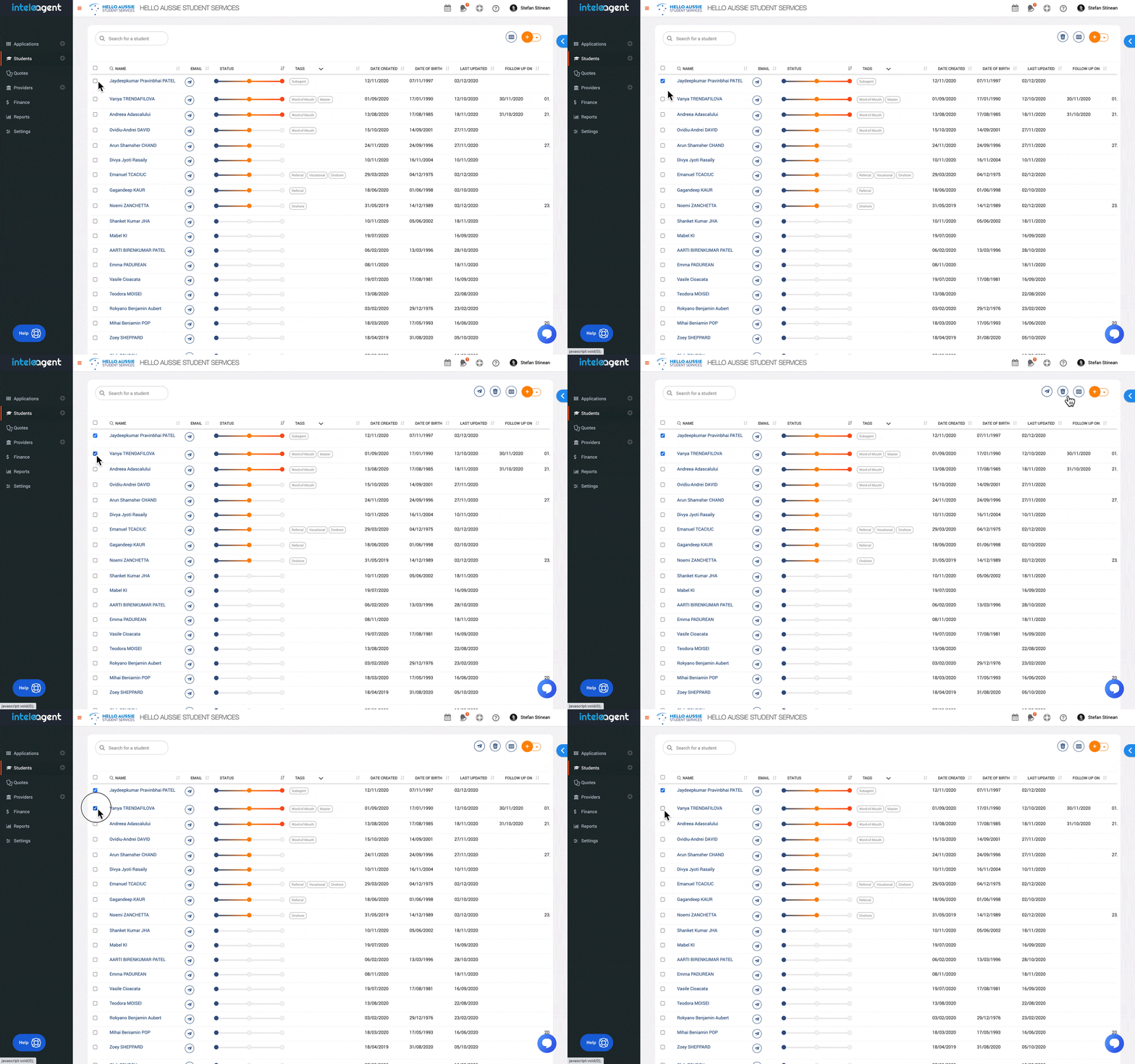
Bulk management functionality added to the students management module. You can now email students in bulk, or delete students in bulk. Check it out:
Image without caption

☝️
NEW
5 years ago
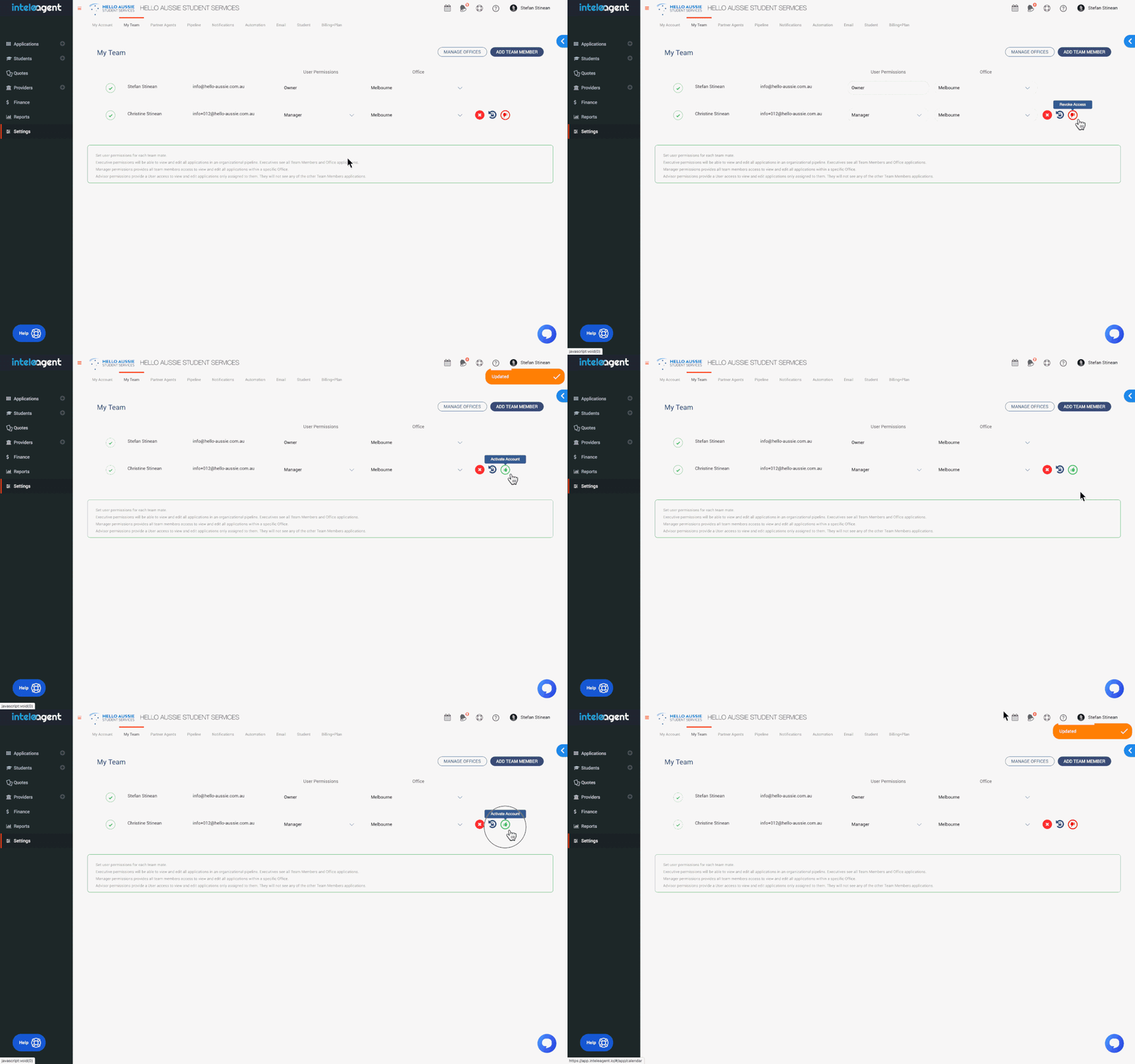
Owners are now able to put the access of team members to their account, on hold.
Image without caption

☝️
Improvement
5 years ago
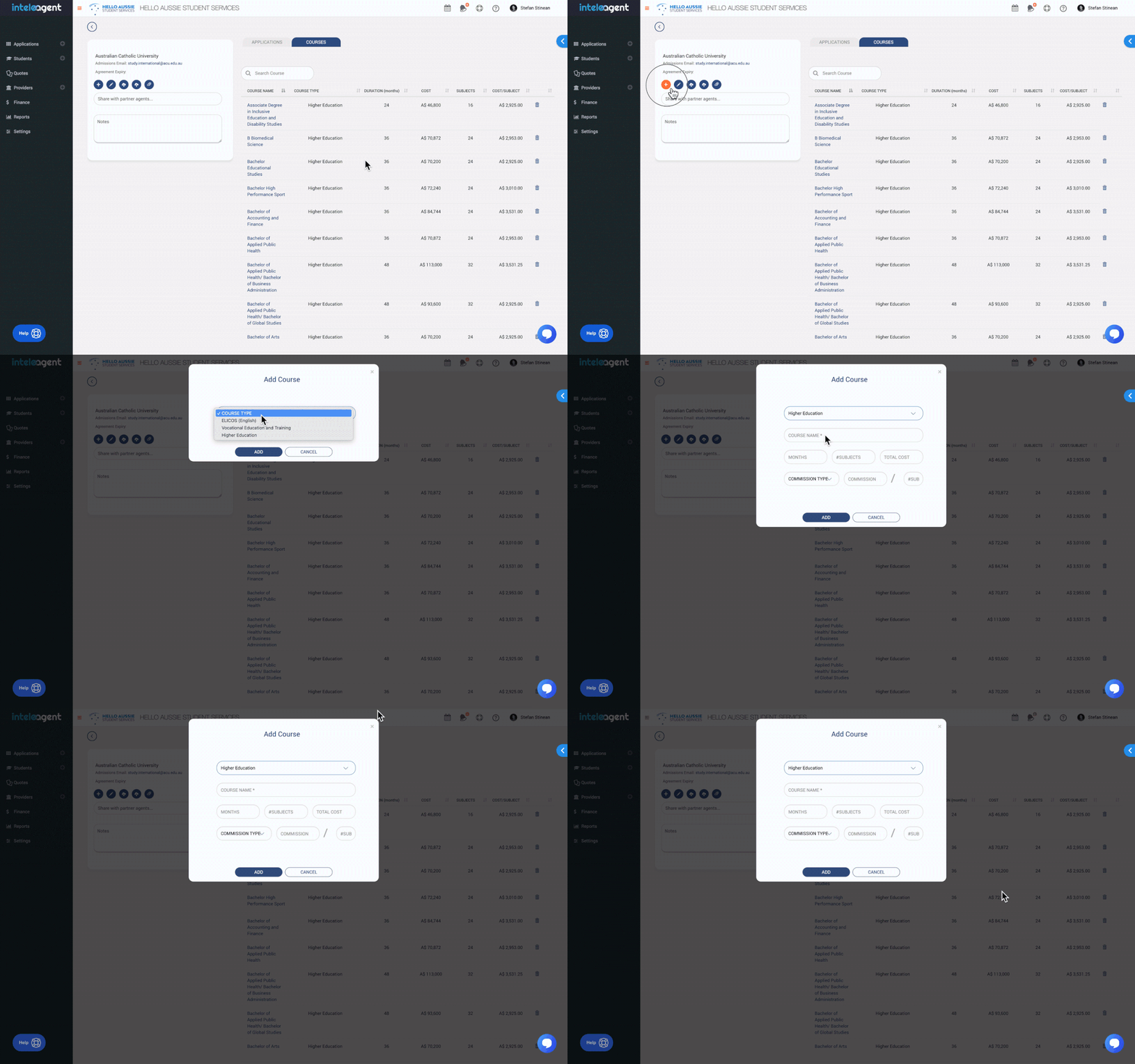
We have eliminated some of the mandatory fields in the process of adding courses.
Only Course Name is mandatory. All the other fields are not mandatory anymore.
Image without caption

☝️
NEW
5 years ago
This feature is great for education agencies that want to find the right course for the right student.
You are now able to search and display courses side by side.
Image without caption

☝️
NEW
5 years ago
This feature is a great addition to your student management efforts. You are now able to organise your students database using tags.
Image without caption

☝️
Improvement
5 years ago
We have worked hard to improve the way you manage your education institutions in Inteleagent. Here's a summary of what we have worked on:
  • search by columns
  • share certain education institutions only with select subagents
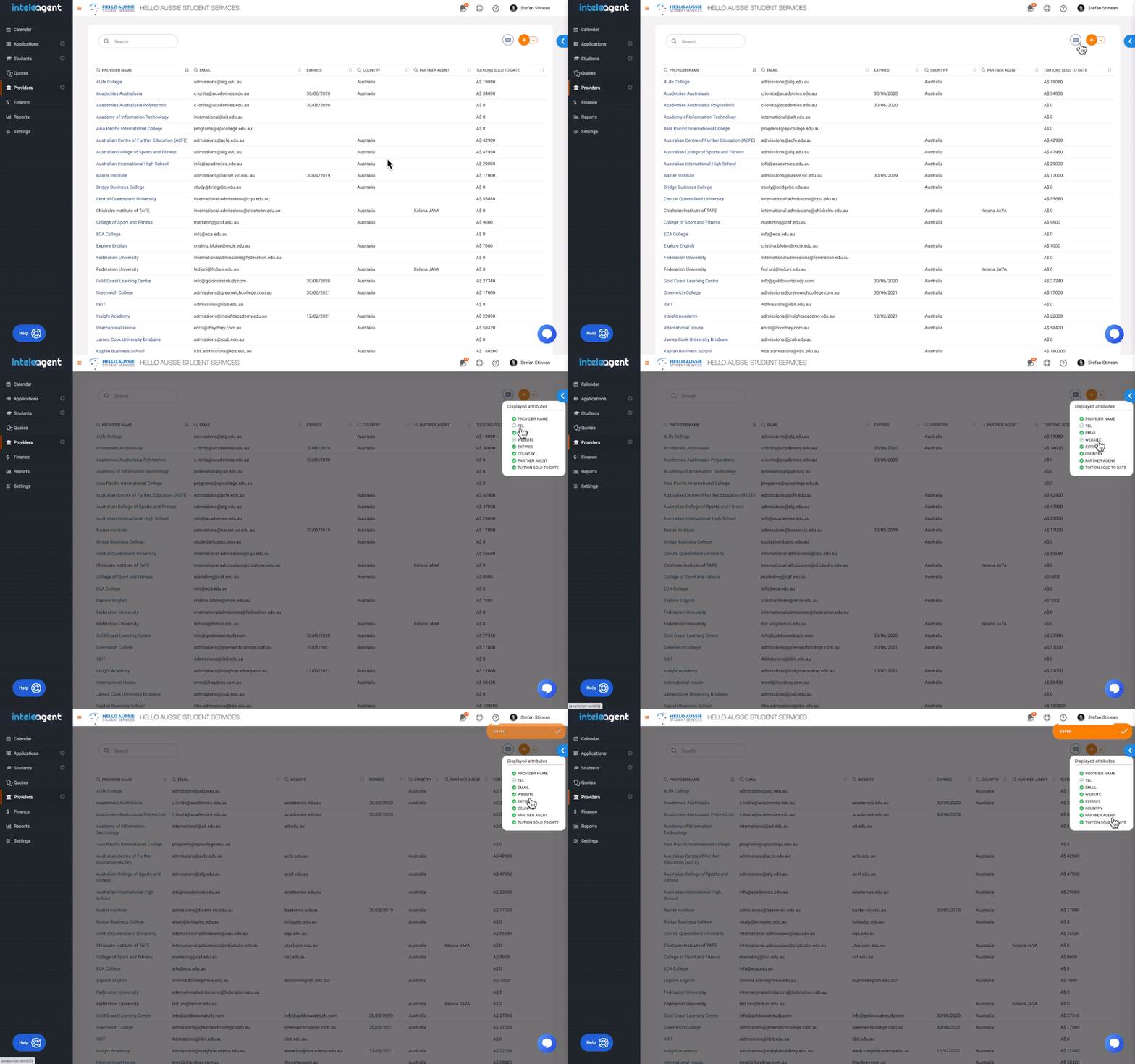
  • Tuition Sold To Date attribute, to keep track of your performance for each education institution;
Image without caption

☝️
Improvement
5 years ago
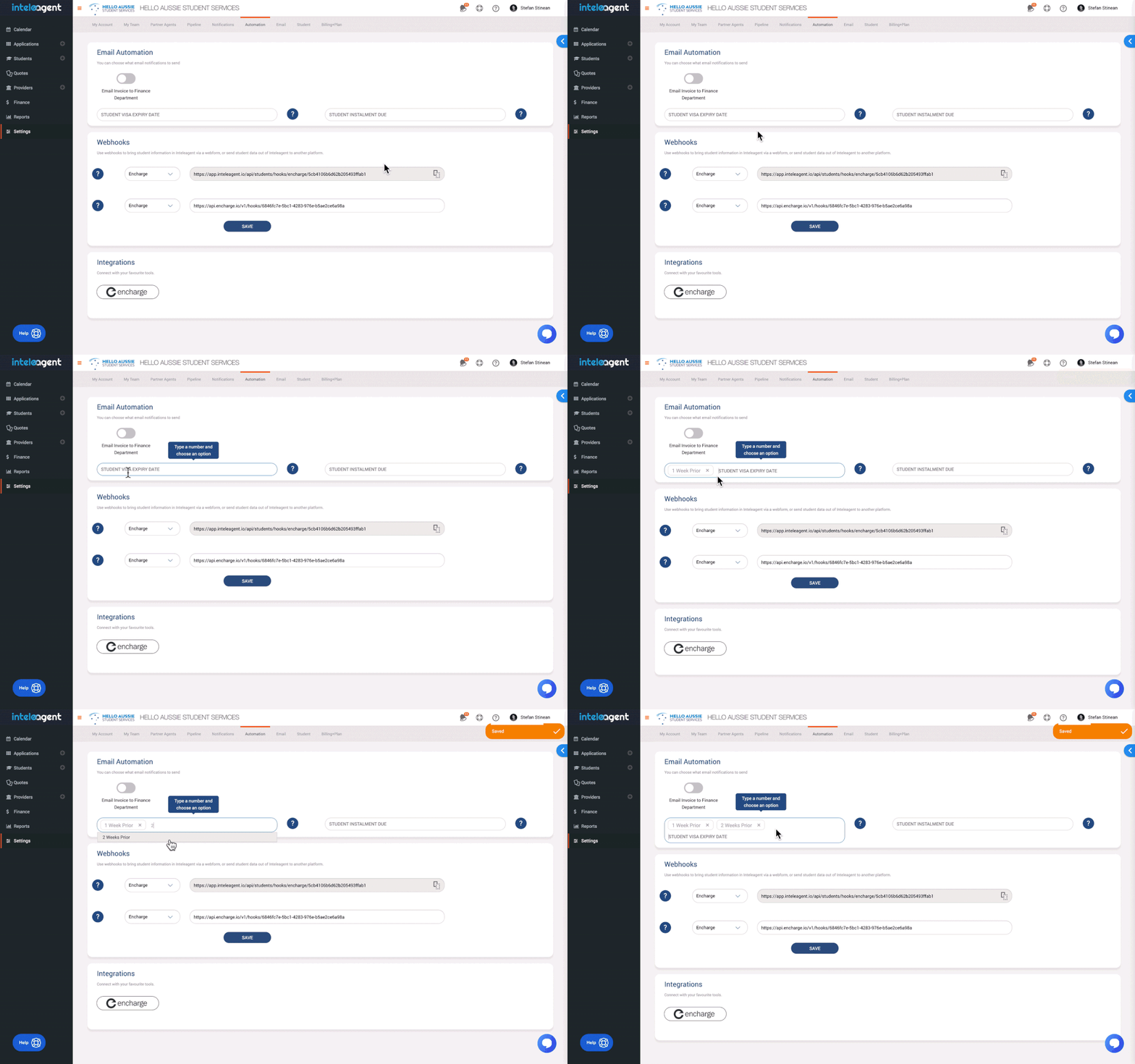
Staying on top of important dates in your client's calendar has never been easier. With Inteleagent, you can now set more than one email reminder for students / clients who's visas expire or their instalment is due.
For the sake of argument, let's say your client's student visa expires on a particular date. You can setup Inteleagent to remind the student about the important date every week for up to 10 weeks prior to the visa expiry date. The same applies for the instalment due date. The system will remind the student to pay his instalment and make sure he doesn't miss it.
Image without caption

☝️
Improvement
5 years ago
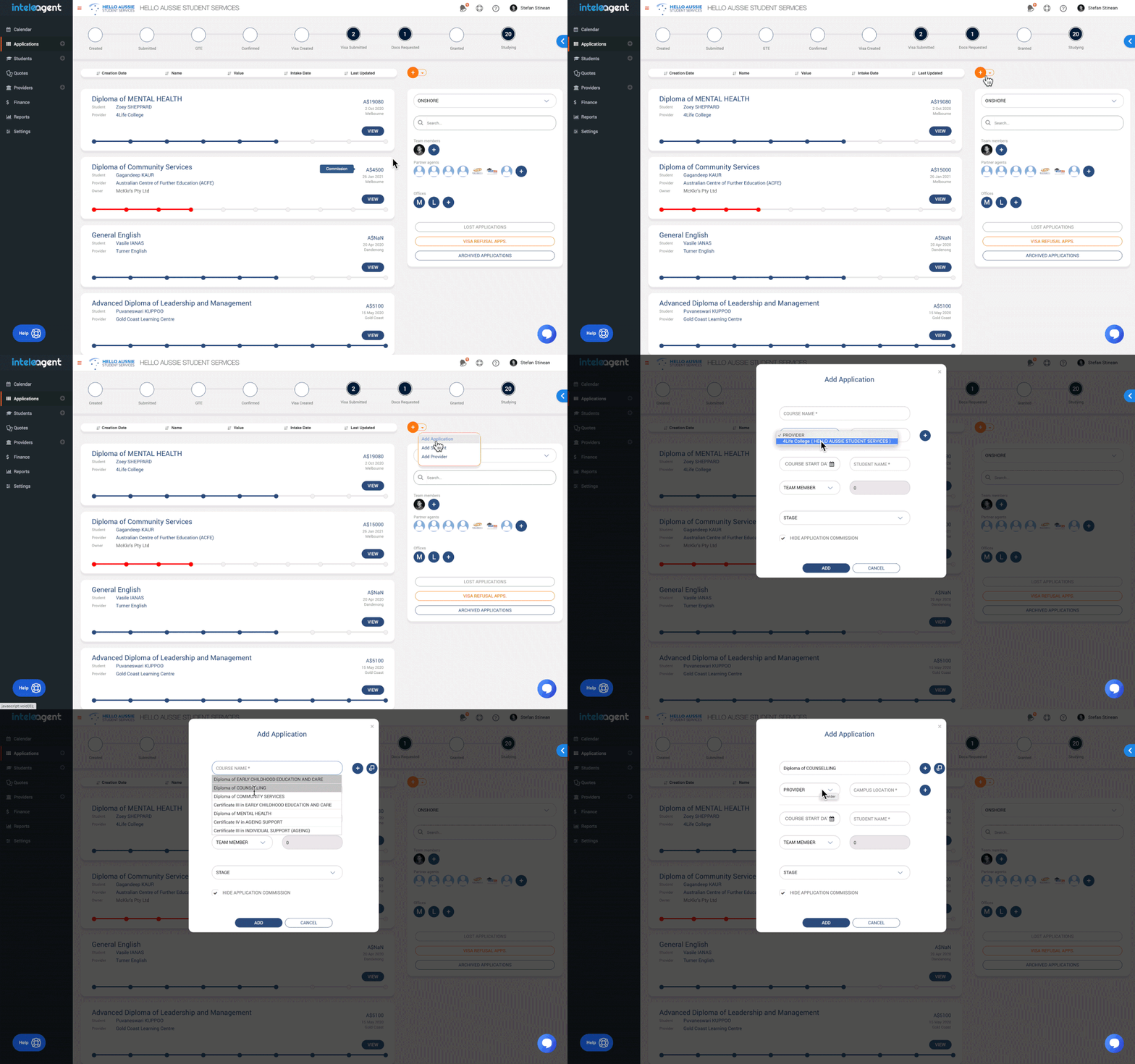
We've improved the experience of adding a new application for users. You can now choose the education institution first, when you create an application, and the course fields will only display that education institution's courses.
Image without caption

☝️
Improvement
5 years ago

☝️
NEW
5 years ago
Since we launched Inteleagent back in last year, our understanding of your needs has increased dramatically.
You have inspired us to re-architect Inteleagent and build the most powerful integration we have ever released - Encharge.
What is Encharge?
Encharge is a sales and marketing automation outreach platform which connects your marketing stack with native, one-click integrations.
Integrations included in Encharge:
  • Mailchimp
  • Intercom
  • Hubspot
  • Salesforce
  • Stripe
  • Typeform
  • Slack
  • Facebook Audience
  • Typeform
  • Jotform
  • Wufoo Forms
  • + a huge number of popular forms
What can you do with Encharge?
  • connect your website contact form to Inteleagent and automatically bring your students from your website to Inteleagent;
  • nurture your students with targeted, relevant emails that keeps your education agency in front of their mind;
  • use Mailchimp Subscribe to create mobile signup forms on your tablet, so students can join your database of students in Inteleagent from anywhere, including walk-ins in your office;
  • tag your students and send them targeted emails based on their unique tags;
  • score your students how likely are to converts based on their email sequence activity;
  • get notifications in Slack or via email based on student email activity behaviour;
How much does it cost?
Signing up independently for encharge.io would cost you $49/month however, if you use Inteleagent, it would only cost you $20/month.
Image without caption

☝️
NEW
5 years ago
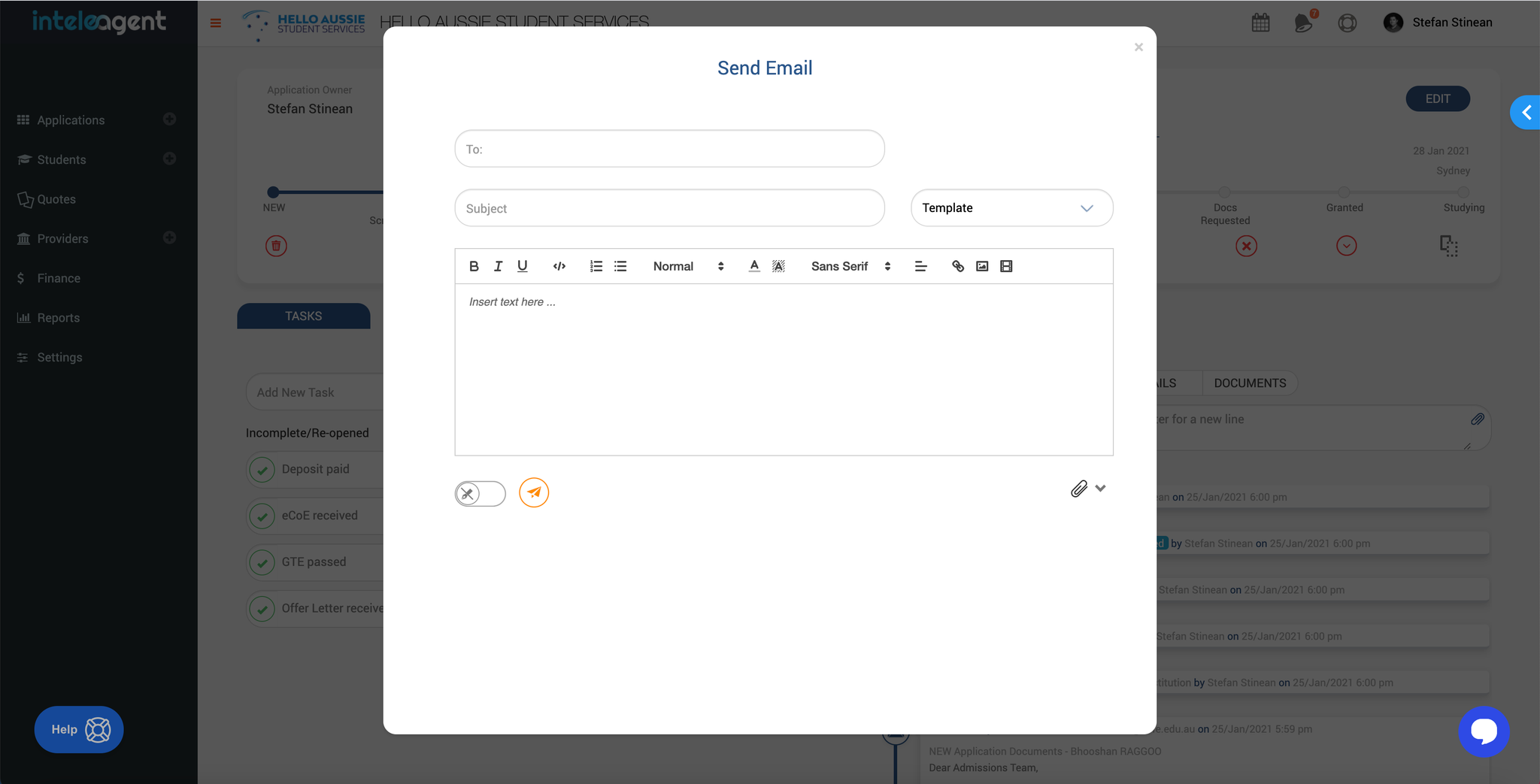
One of our most important features yet. Our goal here at Inteleagent is to deliver a reliable product that will help education agents organise their data. This includes those pesky emails 😊
Searching through your email client for lost emails related to an application or a student is now over with the launch of our email feature. All your incoming and outgoing emails are associated with the right application and the right student. Looking for information related to a student / application is as simple as going to the student / application timeline.
Create templates to make your life easier and use them when sending your emails.
Attach documents already in the profile or add new ones.
Image without caption

☝️
Improvement
5 years ago
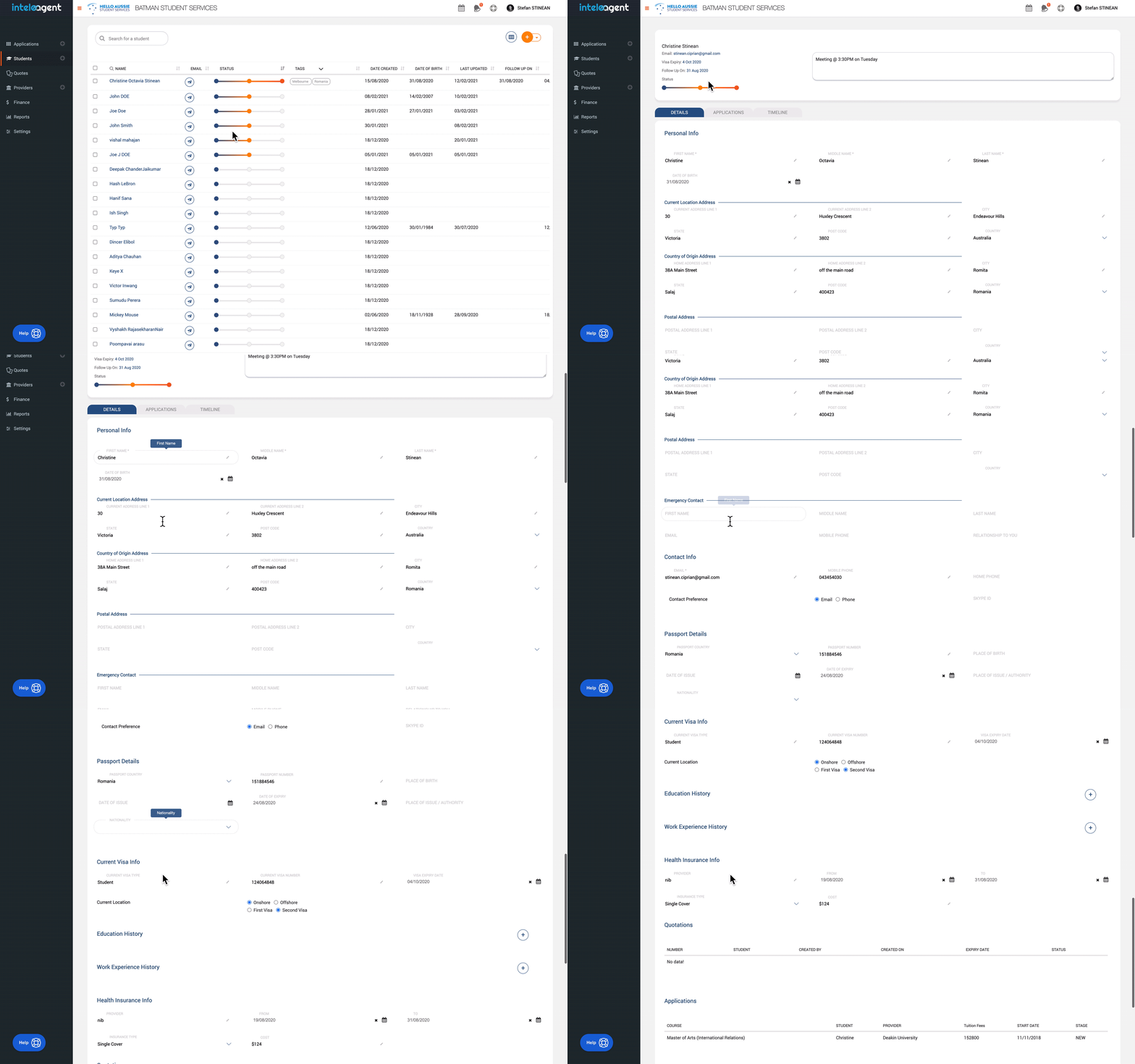
Huge improvements to the students profiles. We've greatly expanded the default student profile fields to allow education agents and their teams to better keep track of the important information.
You are now able to see student's applications and quotations, as well as commission invoices claimed for the student's application right in the student profile.
You can also keep track of the health insurance dates and cost in the same profile view.
You can add as many custom fields as you want to the student profile.
Applications tab and the timeline gives you a better view of the student current status.
Image without caption

☝️
NEW
5 years ago
You can manage your subscriptions and billing details. With the new customer portal, you can update payment methods, manage subscriptions, and view your payment history.
Image without caption

☝️
Fix
6 years ago
We have fixed an issue where you, as a subagent is able to raise commission invoices for your master agents even if the master agents don't have the address in his profile.

☝️
Improvement
6 years ago
We have added the option to choose the stage of the application right from the outset, when creating it.

☝️
Fix
6 years ago
We fixed a bug where you were not able to assign a student to a subagent once the student profile is created. You can change the source of a student to a subagent even if the student already exists in your database.

☝️
Improvement
6 years ago
You are now able to delete quotation options, as well as quotations. We also fixed some bugs under the hood.

☝️
Improvement
6 years ago
Users can now add task reminders based on a particular time. This ads flexibility to tasks.
Here's how to do it:
Image without caption

☝️
Improvement
6 years ago
There are situations where a college prices its courses in a currency that is different from the college country of location. We added a new dropdown field to the Provider profile called CURRENCY, in the Finance info section, between Finance Email and GST. You can choose an education institution's currency by selecting the country's name. For example, if you work with a college in Russia that prices its courses in USD, go to college profile and select United States in the CURRENCY dropdown list. This will make sure the college's courses are priced in USD even if the college is from Russia. The currency field is optional. The provider will still take its currency from the country, unless the CURRENCY dropdown is changed to another currency.

☝️
Improvement
6 years ago
You don't have to wait for the application to reach the last stage until you can add instalments to the application. We have added the possibility to add instalments once the application reaches the Visa Applications section of the pipeline.
Image without caption

☝️
Improvement
6 years ago
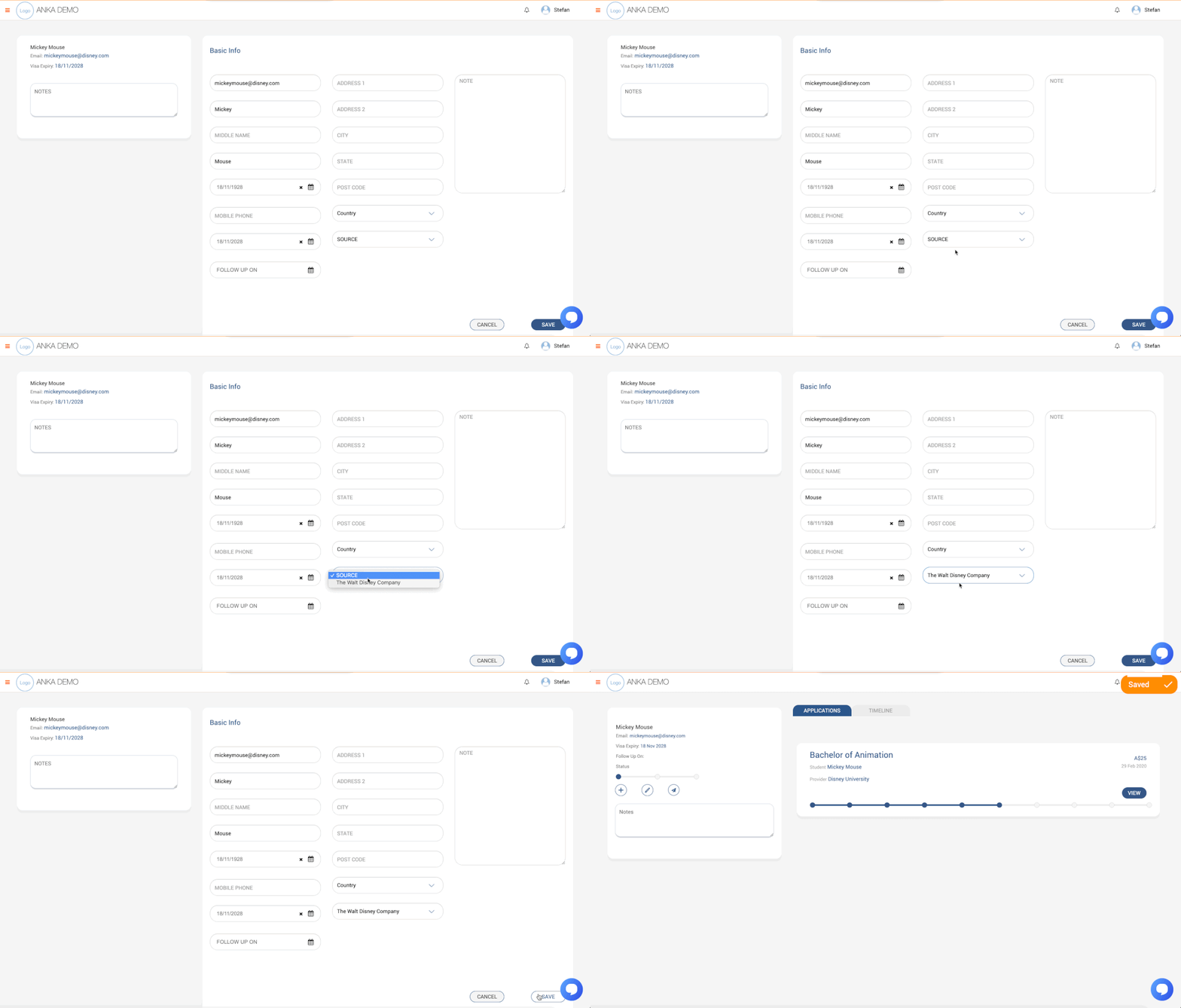
[You are now able to edit the Source in the student profile]
Until now, if you wanted to change the marketing source for a student after you added the student to Inteleagent, you were restricted. We have just released the option for the user to change the source of a student to a subagent, for example.
Here's how you do it:
Image without caption

☝️
Improvement
6 years ago
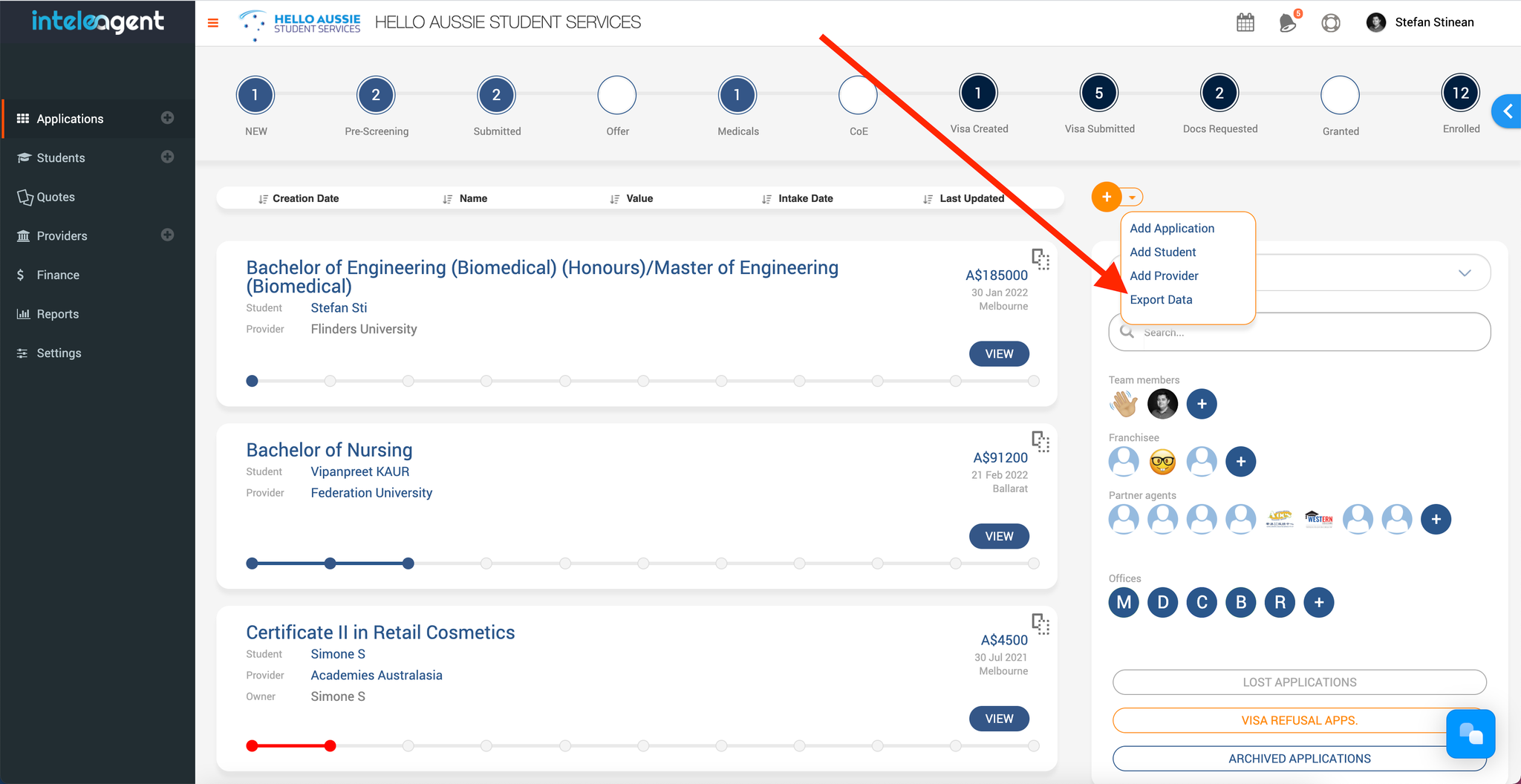
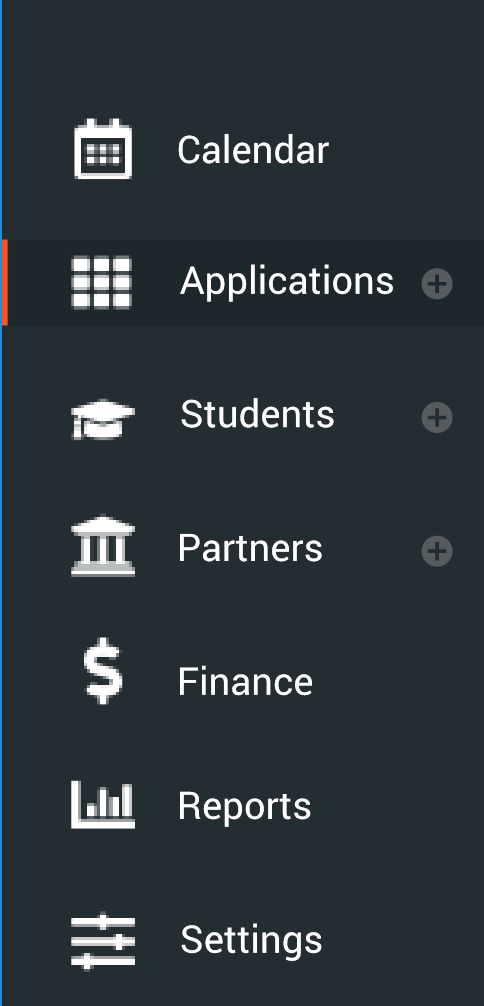
You are now able to add Applications, Students, or Providers a lot easier by using the navigation menu buttons.
Image without caption
Powered by Notaku